Emergency Medication Card Generator
Step 1: Personal Details
Step 2: Allergies & Conditions
Step 3: Emergency Contact
Live Preview
EMERGENCY INFO
Call 911 if neededPatient Name
Current Medications
- No medications added yet.
EMERGENCY CONTACT
Relation: ---
Phone: ---
Manage Medications
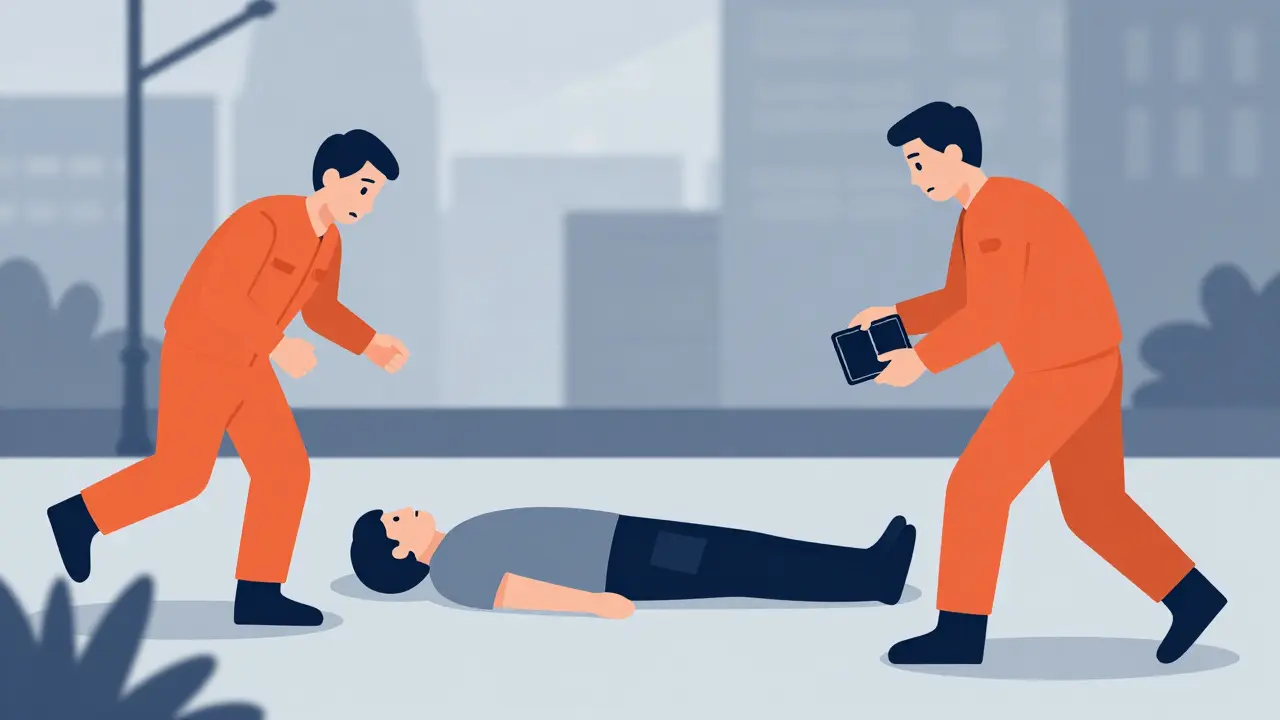
Imagine collapsing in the street. You can't speak. Paramedics rush to your side, but they don't know what's in your system. Do you take blood thinners? Are you allergic to penicillin? In those first critical minutes, guesswork is dangerous. An emergency information card is a portable document containing critical health information that can be accessed by healthcare providers during emergencies when a patient is unable to communicate. It’s not just a piece of paper; it’s a lifeline. According to the FDA, about 66% of American adults take at least one prescription medication. Without a clear list, emergency responders might administer a drug that clashes with what you’re already taking, leading to severe complications or even death.
Why Your Medication List Matters More Than You Think
We often assume doctors will look up our records instantly. But in an emergency room, seconds count. A study published in the Journal of Emergency Medicine found that having immediate access to medication data can reduce evaluation time by 15-20 minutes. That’s huge when every minute matters. The Institute of Medicine reported that medication errors account for 7,000 deaths annually in the United States alone. Many of these could be prevented if a simple, accurate list was available.
Think about it: if you have diabetes, heart disease, or asthma, your treatment depends on precise dosing. If a paramedic doesn’t know you’re on warfarin (a blood thinner), they might give you a standard painkiller that causes internal bleeding. Dr. Robert M. Cooper from the FDA noted specific cases where medication lists prevented fatal interactions between blood thinners and emergency medications. It’s not paranoia; it’s practical safety planning.
What Exactly Goes on the Card?
You might think listing "Metformin" is enough. It isn’t. To be useful, your card needs specific details. The FDA’s guidelines specify that an effective list must include:
- Medication Name: Both brand and generic names help avoid confusion.
- Dosage: Strength (e.g., 500mg) and how much you take (e.g., one tablet).
- Frequency: When do you take it? Morning? With food?
- Purpose: Why are you taking it? This helps doctors understand your conditions.
- Allergies: List any reactions to drugs, foods, or latex.
- Emergency Contacts: Who should be called? Include phone numbers.
- Medical Conditions: Diabetes, hypertension, etc.
If you take vitamins, supplements, or herbal remedies, include those too. Some herbs interact badly with prescription drugs. For example, St. John’s Wort can interfere with many medications. The CDC’s template also suggests noting medications you’ve stopped due to side effects, so doctors know what to avoid.
Paper vs. Digital: Which Is Better?
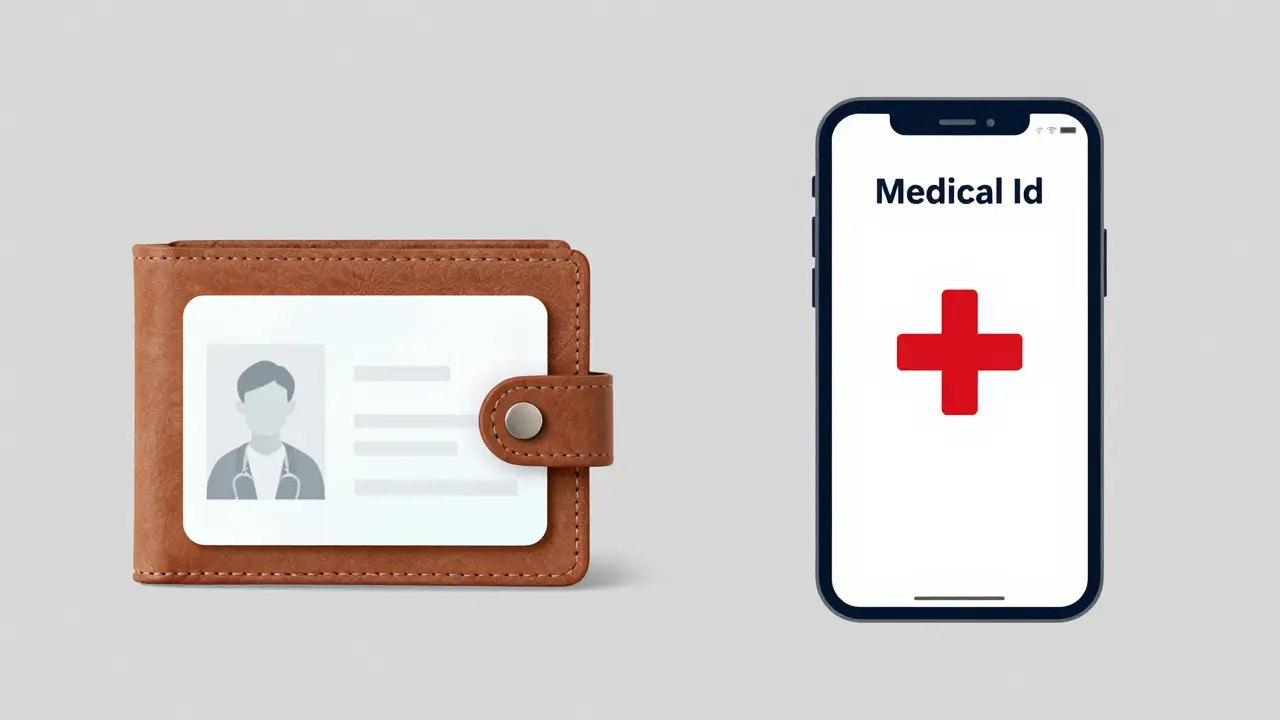
This is the big debate. Should you carry a physical card in your wallet, or rely on your smartphone? Both have pros and cons.
| Feature | Paper Wallet Card | Digital Medical ID (Apple/Android) |
|---|---|---|
| Accessibility | Always accessible, no battery needed | Requires charged phone and unlocked screen |
| Update Frequency | Manual updates required (easy to forget) | Can be updated quickly via app |
| Durability | Can get wet, torn, or lost | Protected by phone case, but phone can break |
| Privacy | Visible to anyone who picks up your wallet | Hidden behind lock screen, more secure |
| Adoption Rate | Low (only 18% present in emergencies) | High (92% smartphone ownership) |
A 2021 study in the Journal of the American Medical Informatics Association found that while digital IDs were accessed in 32% of emergency cases involving unconscious patients, paper cards had a higher access rate (78%) when they were actually present. However, people rarely carry paper cards consistently. Most of us always have our phones. So, the best strategy? Use both. Set up your digital ID and keep a paper backup in your wallet.
How to Set Up Your Digital Medical ID
If you use an iPhone, Apple’s Medical ID is a feature in the Health app that stores medical information accessible from the lock screen. Here’s how to set it up:
- Open the Health app.
- Tap your profile icon in the top right corner.
- Select Medical ID and tap Edit.
- Fill in your details: blood type, allergies, medications, and emergency contacts.
- Toggle on Show When Locked. This is crucial! Otherwise, paramedics can’t see it without unlocking your phone.
For Android users, similar features exist in the Google Pixel settings or Samsung Health. Look for "Emergency Information" or "Medical ID" in your phone’s settings menu. Make sure to test it. Ask a friend to try accessing your info from the lock screen. If they can’t, you need to adjust the settings.
The Paper Backup: Simple and Effective
Don’t underestimate the humble wallet card. The FDA offers a free printable template called "My Medicines." You can download it, fill it out, laminate it, and cut it to fit in your wallet. Using pencil instead of pen is a pro tip from the CDC-it makes updating easier if you change doses.
Where to put it? Inside your driver’s license sleeve or near your credit cards. If you wear a medical alert bracelet, consider getting one that includes a QR code linking to your digital record. Companies like Healthcare Ready offer these options. They cost a bit more but provide peace of mind.
Common Mistakes to Avoid
Even with the best intentions, people mess up their medication lists. Here are the biggest pitfalls:
- Outdated Info: Adding a new antibiotic but forgetting to remove it after the course ends. Dr. David S. Mendelson warned that inaccurate lists can be more dangerous than no list at all.
- Vague Descriptions: Writing "blood pressure pill" instead of "Lisinopril 10mg." Be specific.
- Ignoring Supplements: Thinking vitamins aren’t important. They can interact with prescriptions.
- Not Sharing: Keeping the list secret. Share copies with family members and close friends.
Review your list every time you visit your doctor or pharmacist. Make it part of your routine. If you start a new medication, update your card immediately. It takes two minutes. Those two minutes could save your life.
Special Considerations for Children and Seniors
If you’re creating a card for a child, include their weight in kilograms. Dosages for kids are often based on weight. The Children’s Hospital of Philadelphia recommends including the date the weight was last recorded. Also, note any school-related allergies or epinephrine auto-injectors.
For seniors, polypharmacy (taking multiple medications) is common. The American College of Emergency Physicians emphasizes that patients aged 65+ should definitely have a medication list. Nearly 90% of this age group takes at least one prescription drug. Help them organize their pills using a weekly pillbox, and keep the master list nearby.
Making It Stick: Habits for Maintenance
The hardest part isn’t creating the card; it’s keeping it current. Here’s how to make it stick:
- Pharmacist Check-ins: Ask your pharmacist to verify your list every time you pick up a new script.
- Annual Review: Pick a date each year (like New Year’s Day) to review all your meds.
- Travel Prep: Before any trip, double-check your card and pack extra copies.
- Family Awareness:** Ensure at least one family member knows where your physical card is and how to access your digital ID.
It’s not about being perfect. It’s about being prepared. An emergency information card is a small tool with massive impact. Take 15 minutes today to create yours. You’ll sleep better knowing that if something goes wrong, help has exactly what it needs to help you.
Do I really need an emergency information card if I’m healthy?
Yes. Even healthy people can have accidents. If you’re in a car crash, paramedics need to know if you have any allergies or if you’re taking birth control or antidepressants. These factors affect treatment decisions. It’s better to have the info and not need it than to need it and not have it.
Is my digital medical ID private?
Yes. On iPhones and Androids, the Medical ID is stored locally on your device. It’s not uploaded to the cloud unless you explicitly back up your Health data. Only people with physical access to your unlocked phone (or lock screen if enabled) can see it. HIPAA does not apply to personal lists maintained by patients, but the technology itself is secure.
Should I include over-the-counter medicines?
Absolutely. OTC drugs like ibuprofen, aspirin, or antacids can interact with prescription medications. For instance, aspirin increases bleeding risk if you’re on blood thinners. Listing everything gives doctors a complete picture of your health.
How often should I update my medication list?
Every time you start, stop, or change the dose of a medication. This means updating it at every pharmacy visit or doctor’s appointment. Aim for a quick review monthly to ensure nothing has slipped through the cracks.
Can I use a photo of my pill bottles as a medication list?
Photos can help, but they aren’t enough. Bottles might be expired, or labels might be hard to read. A typed list is clearer and faster for emergency responders to scan. Use photos as a supplement, not a replacement, for a detailed written list.